
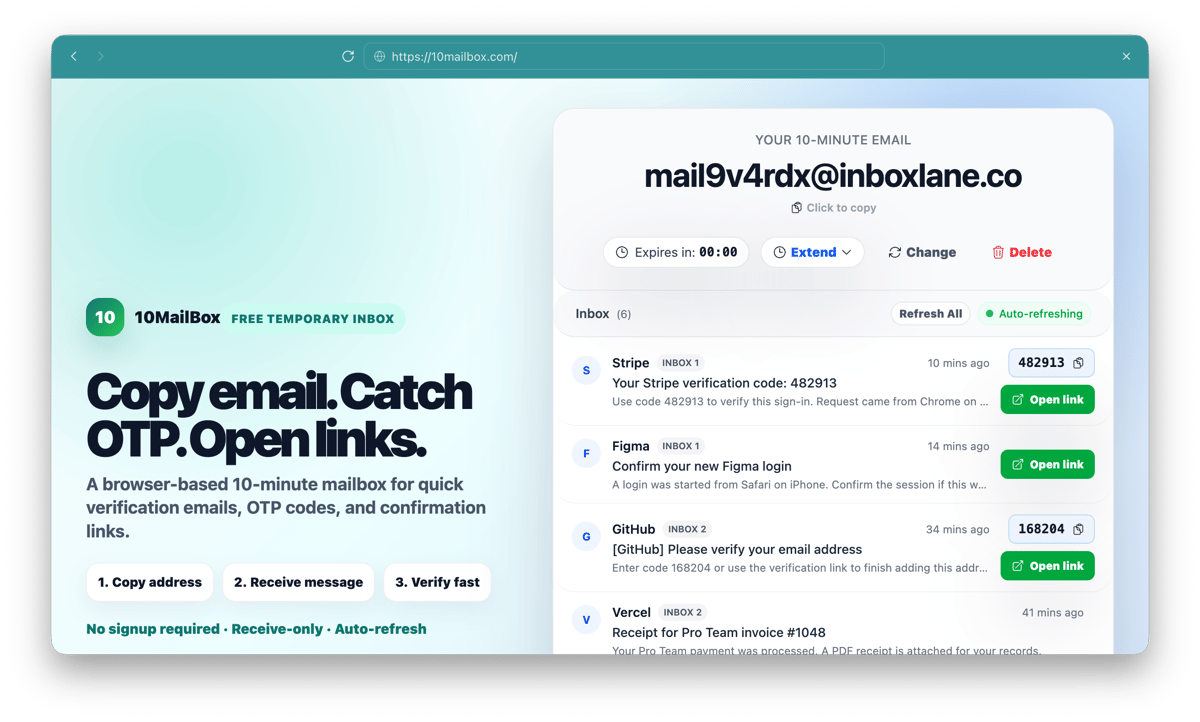
10MailBox prohibits fraud, spam, phishing, malware, mass-account abuse, and other misuse.
10MailBox is built for fast, receive-only verification tasks. Abuse harms deliverability, infrastructure reliability, and the websites that receive temporary signups.
Prohibited use
Do not use 10MailBox for:
- Fraud, financial scams, or identity impersonation.
- Spam, harassment, doxxing, or coordinated abuse.
- Mass-account creation that violates another service's rules.
- Phishing, malware, credential theft, or stolen data handling.
- Illegal activity of any kind.
- Circumventing a target service's Terms of Service, rate limits, bans, or enforcement systems.
Receive-only limitation
10MailBox operates as a receive-only temporary inbox service. It does not provide outbound email sending, which helps prevent the infrastructure from being used as a spam relay.
Receive-only design does not make abusive inbound activity acceptable. Users are still responsible for following this policy and the rules of any third-party service they interact with.
Reporting abuse
If you suspect 10MailBox infrastructure is being used for malicious activity, report it to [email protected].
A useful report should include:
- The affected website, service, or URL.
- The relevant 10MailBox address or message details, if safe to share.
- Approximate timestamp and timezone.
- A concise description of the abuse.
- Full email headers when available and safe to provide.
Rate limits and blocking
10MailBox may enforce automated rate limits, bot checks, IP reputation controls, session restrictions, CAPTCHA-style challenges, and temporary blocks against high-velocity or suspicious traffic.
These limits may change dynamically and may not be publicly disclosed in detail because abuse controls are more effective when attackers cannot predict them.
Domain pool controls
10MailBox may rotate, restrict, disable, or retire receiving domains to protect deliverability and prevent targeted abuse.
Operational details about domain rotation, blocklists, and abuse heuristics are kept confidential to prevent circumvention.
What happens after a report
When 10MailBox receives an actionable abuse report, the service may review relevant technical metadata, restrict abusive traffic, disable affected aliases, adjust domain controls, or improve automated blocking.
10MailBox may preserve limited technical data when necessary for security, debugging, or abuse investigation.
Safe use
Safe use is simple: generate a temporary address, receive a low-risk verification code or link, complete the task within 10 minutes, and abandon the inbox.
For privacy and usage limits, read the Privacy Policy, Terms of Use, and 10MailBox FAQ.