
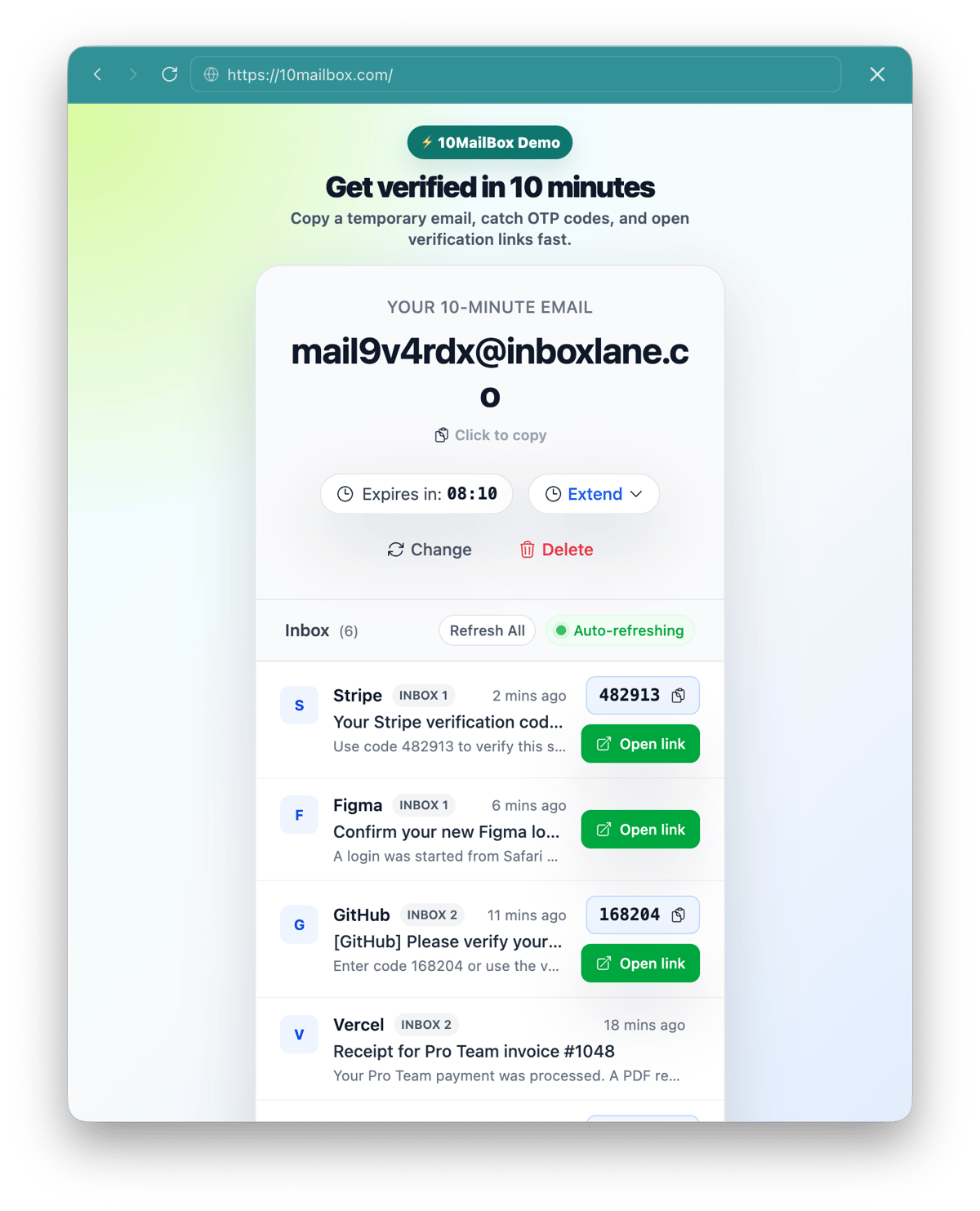
10MailBox is a short-lived receive-only inbox for quick verification tasks, not permanent storage.
This privacy policy explains how 10MailBox handles temporary inbox data, message expiry, technical logs, local storage, abuse prevention, and contact requests.
Temporary inbox data
10MailBox provides short-lived, receive-only email inboxes designed to reduce exposure of your primary email address. When you use the service, 10MailBox processes the temporary email address, basic message metadata, and message content needed to display received emails in the browser.
The inbox is a temporary utility, not a permanent email account. Do not send sensitive personal, financial, medical, legal, work, or recovery information to a 10-minute inbox.
Message retention and deletion
Messages are temporary and should be treated as unavailable after the 10-minute inbox lifecycle ends. The service is designed for short verification tasks, so users should copy required OTP codes or open verification links immediately.
10MailBox does not provide long-term mailbox storage. Once an inbox expires, it should not be relied on for future account recovery or message access.
Reopen links
Inbox Reopen is not part of the Phase 1 launch promise. If a future reopen feature is introduced, the privacy policy should be updated to explain how reopen tokens work, who can access them, and how long they remain valid.
Until then, users should assume that closing or losing access to an expired inbox means the messages are no longer available.
Logs and abuse prevention
10MailBox may process technical logs for security, rate limiting, spam prevention, bot mitigation, debugging, and abuse investigations. These logs can include IP-derived security signals, timestamps, browser or session signals, request paths, and operational error data.
Logs are used to keep the receive-only service stable and to reduce abuse. They are not a substitute for a permanent account system and should not be interpreted as a way to recover expired inboxes.
Cookies and local storage
10MailBox may use cookies or browser local storage to maintain session continuity, remember temporary UI state, support the countdown experience, and reduce abusive automated traffic.
Clearing browser storage may remove local session state. If that happens, the service may not be able to reconnect your browser to the same temporary inbox.
Analytics and third-party processors
10MailBox may use infrastructure, DNS, hosting, analytics, security, and anti-abuse providers to operate the service. These processors help deliver the website, receive mail, monitor reliability, and block abusive traffic.
10MailBox does not require a permanent user account for the core temporary inbox workflow. The service should not be used to transmit confidential information to any third party.
Attachments
Temporary inboxes are not designed for reliable attachment storage. Attachments may be blocked, stripped, ignored, unavailable, or restricted for safety, size, malware prevention, or operational reasons.
Do not use 10MailBox to receive important files. Use a permanent and trusted mailbox for documents you need to keep.
What you should not send to 10MailBox
Never use 10MailBox for sensitive personal data, banking access, medical records, legal matters, corporate work accounts, payment services, government services, or account recovery channels that require permanent access.
Contact
For privacy questions, contact [email protected]. For general support, use [email protected]. For abuse reports, use [email protected] or read the Abuse Policy.